
Mortgage Market Rate Checker App
Initial Setup (< 2 minutes)
The mortgage Market Rates Checker is an app within your CRM workflow automation Actions that checks contacts' mortgage rates against market rate automatically to determine qualification for refinancing.
You simply provide the difference or gap between the contact's mortgage rate and market rates and then select the market rate type (30-year conventional, FHA, 15 year conventional etc.) to use for the workflow action to qualify them. Qualified leads go to a "Meet Criteria" branch flow and the others go to a "Does not Meet Criteria flow"
1. Downloading the App: Use the Link Below
The first thing we need to do to setup is use this link to get the app installed.
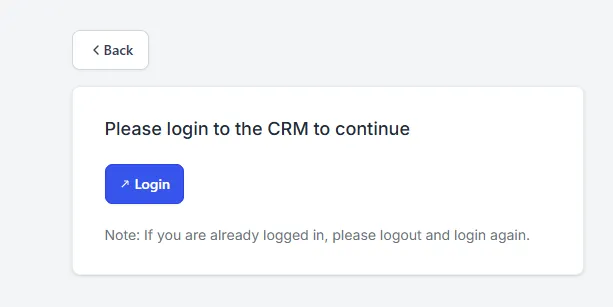
You may be prompted to login if you are not currently logged in
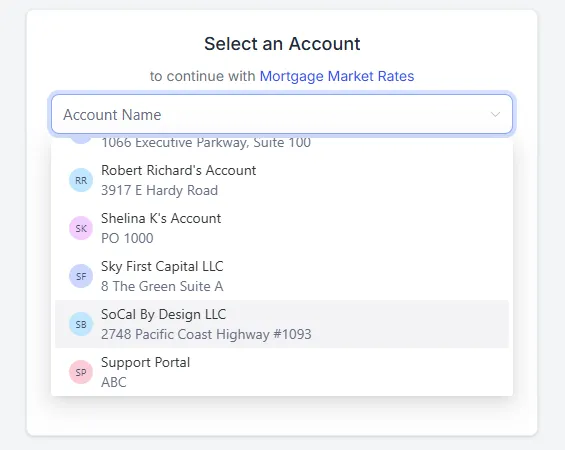
Then select the account you want to use.
Alternatively, if you are already login in your account, then simply go to App Marketplace -> Search for Mortgage Rates Checker -> Click the Install Button
Click the Install Button
If then installation completes successfully go to the next step below
If installation is unsuccessful, go to the Troubleshooting Page with link below
2. Check for the Mortgage Market Rates App in Your Automation Workflow Actions
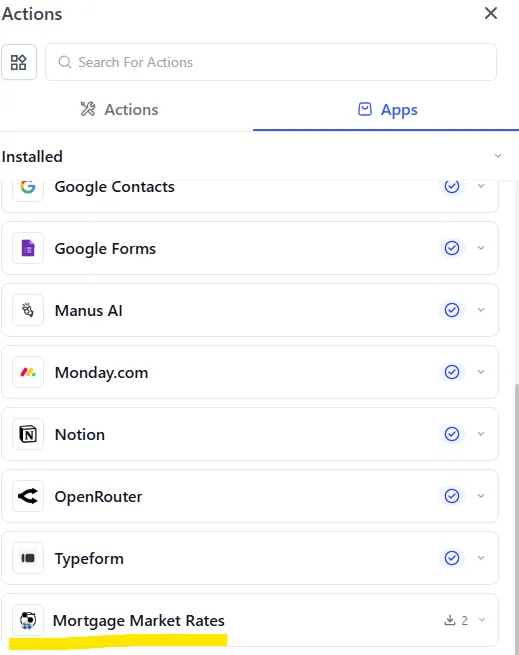
After the installation completes, go to your account, open an existing automation workflow or create a new one to check for the Mortgage Market Rates Checker in your Actions.
Search for "Mortgage Market Rates" or browse for it under Action Apps.
3. What Now?
If you can find the app within workflow actions, then it is ready to use. Proceed with the workflow creation. Learn how to use the app here
If you can't find the app within workflow actions check out Troubleshooting Page: