Mortgage Mortgage Rate Checker
Troubleshooting
The Mortgage Market Rates Checker is an app within your CRM workflow automation Actions that checks contacts' mortgage rates against market rate automatically to determine qualification for refinancing.
You simply provide the difference or gap between the contacts' mortgage rates and market rates and then select the market rate type (30-year conventional, FHA, 15 year conventional etc.) to use for the workflow action to qualify them. Qualified leads go to a "Meet Criteria" branch flow and the others go to a "Does not Meet Criteria flow"
Error during Installation
If you experience an error during installation and the installation failed (with a red error) it is mostly likely a temporary disruption due to internet connection
The best thing to do, is to wait a few minutes ad try to install the app again
if it continues to fails then contact support or Submit a Ticket
I cannot find the app in Workflow Actions
If you cannot find the app in your workflow actions after installation, search for it using "Mortgage Market Rates" or by browsing under action apps section.
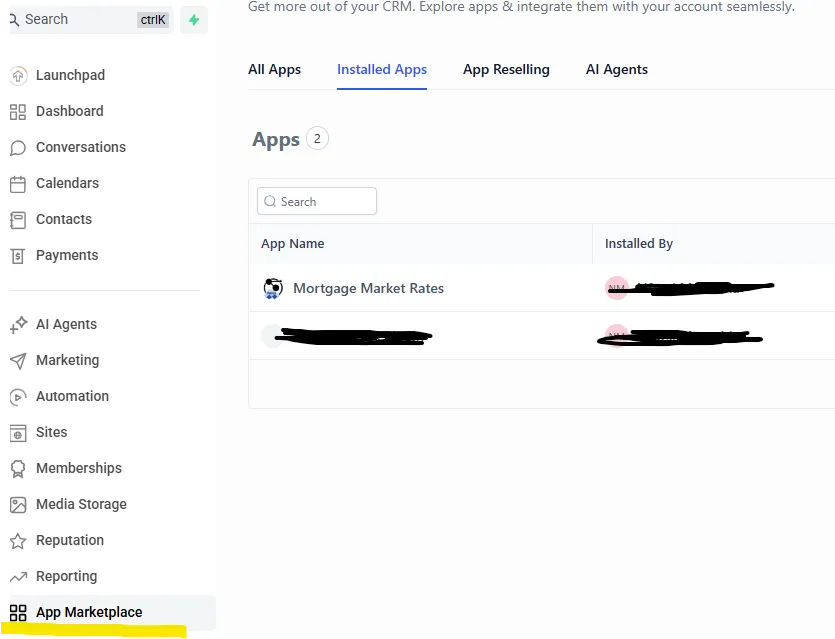
If the app still does not show check under installed app in the App Marketplace.
If the app is not there, then install the application. Click below Install button
If the application is there, then click on the three dots to uninstall the application and the re-install again. Click below Install button
Contact was Skipped or Errored
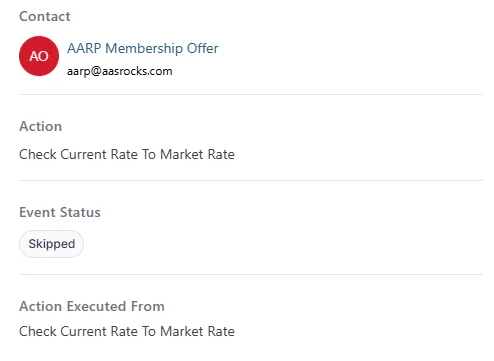
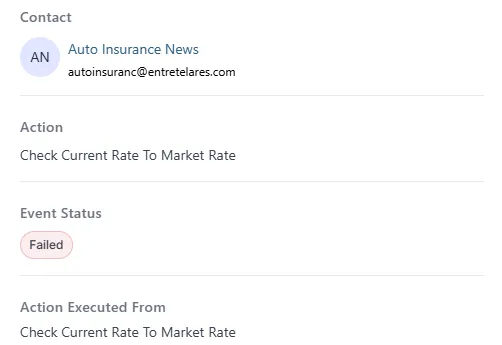
If a contact is skipped in mortgage rate checker, it is mostly likely because of missing information in the required fields during processing, like the contact's current rate or rate gap.
Check to ensure this information is present and in the right format.
Secondly, check for you any error messages provided
If the issue continues to happen after verifying there is no missing information, please contact support - Submit a Ticket